Create snow in Photoshop
31 Jan 2014 -

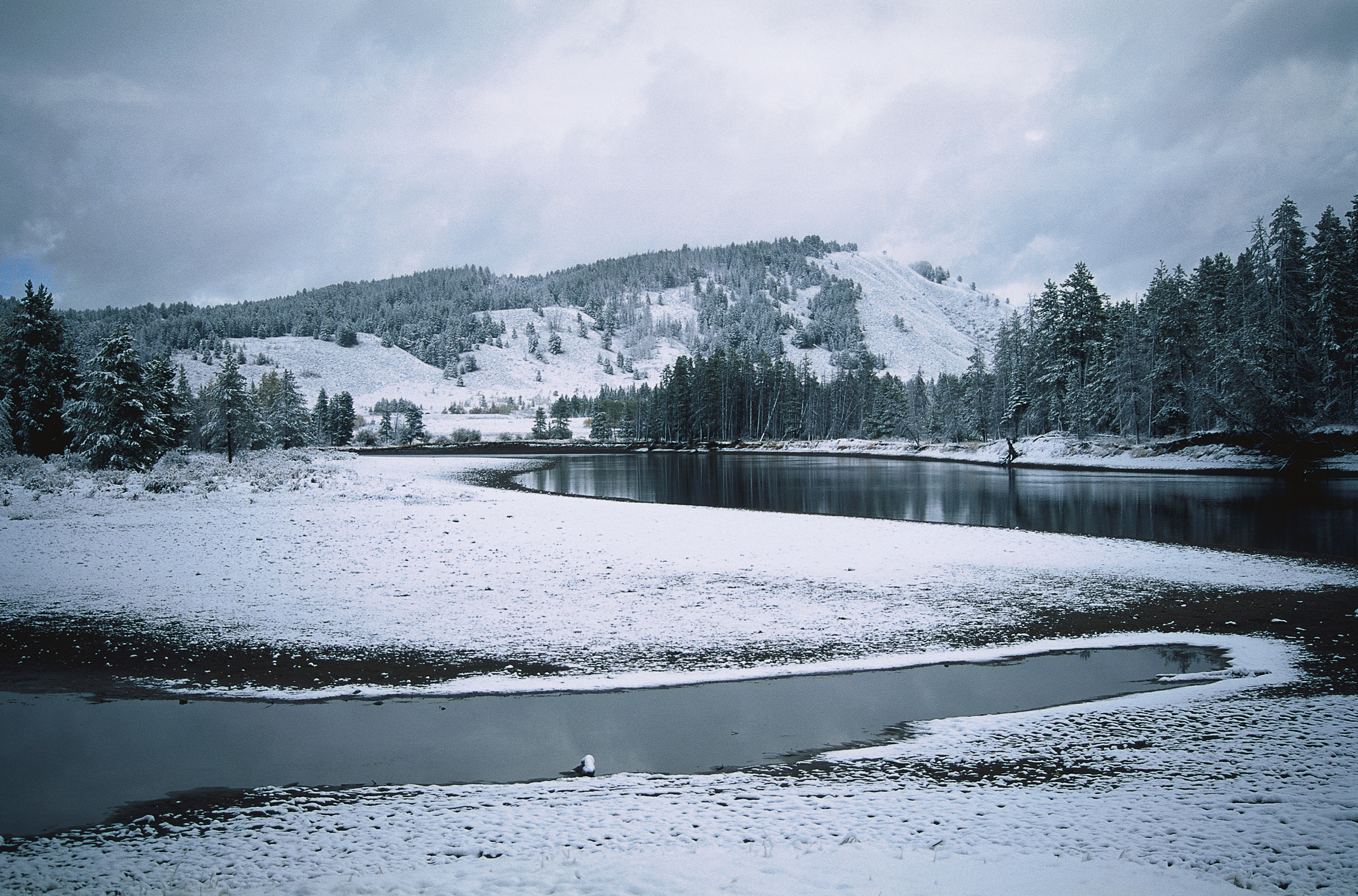
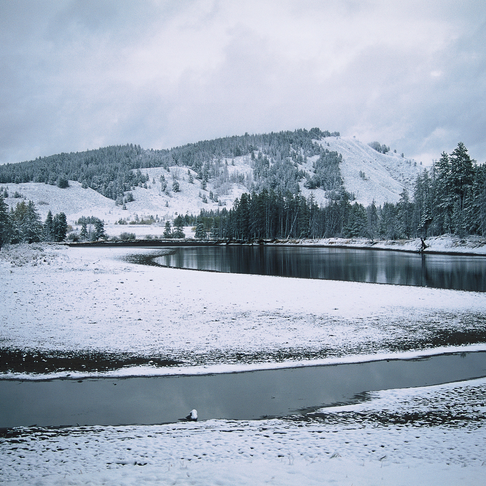
So, let's say you have a nice picture of a winter landscape, but you're missing the falling snow. Here's how you add it in Photoshop in a fairly realistic way.
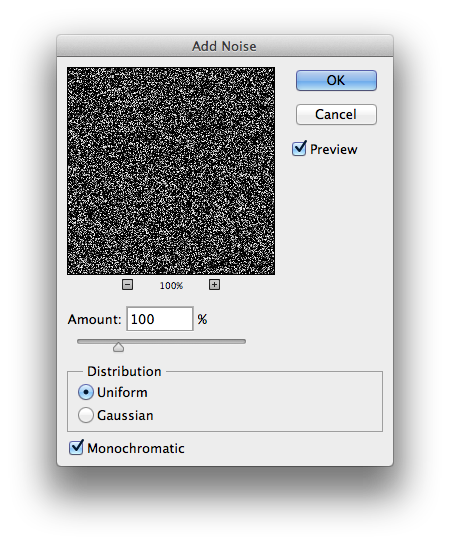
Start with a new layer and fill it with black and set composition to "screen", then pick Filters -> Noise -> Add Noise. Make sure that it's about 100% and monochromatic.

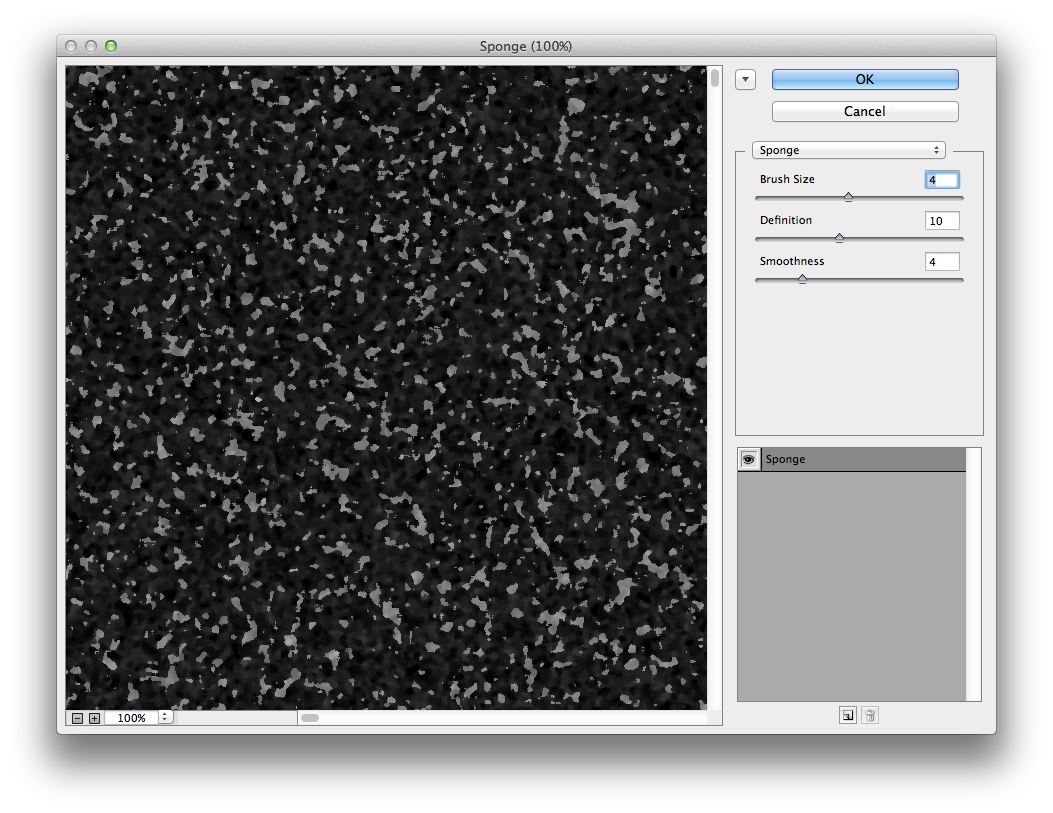
The result is some white noise over the image, kind of reminds you about snow, but we're not done. Now use Filters -> Filter Gallery and then pick Artistic -> Sponge and the settings you see here. The "flakes" shouldn't be too big here.
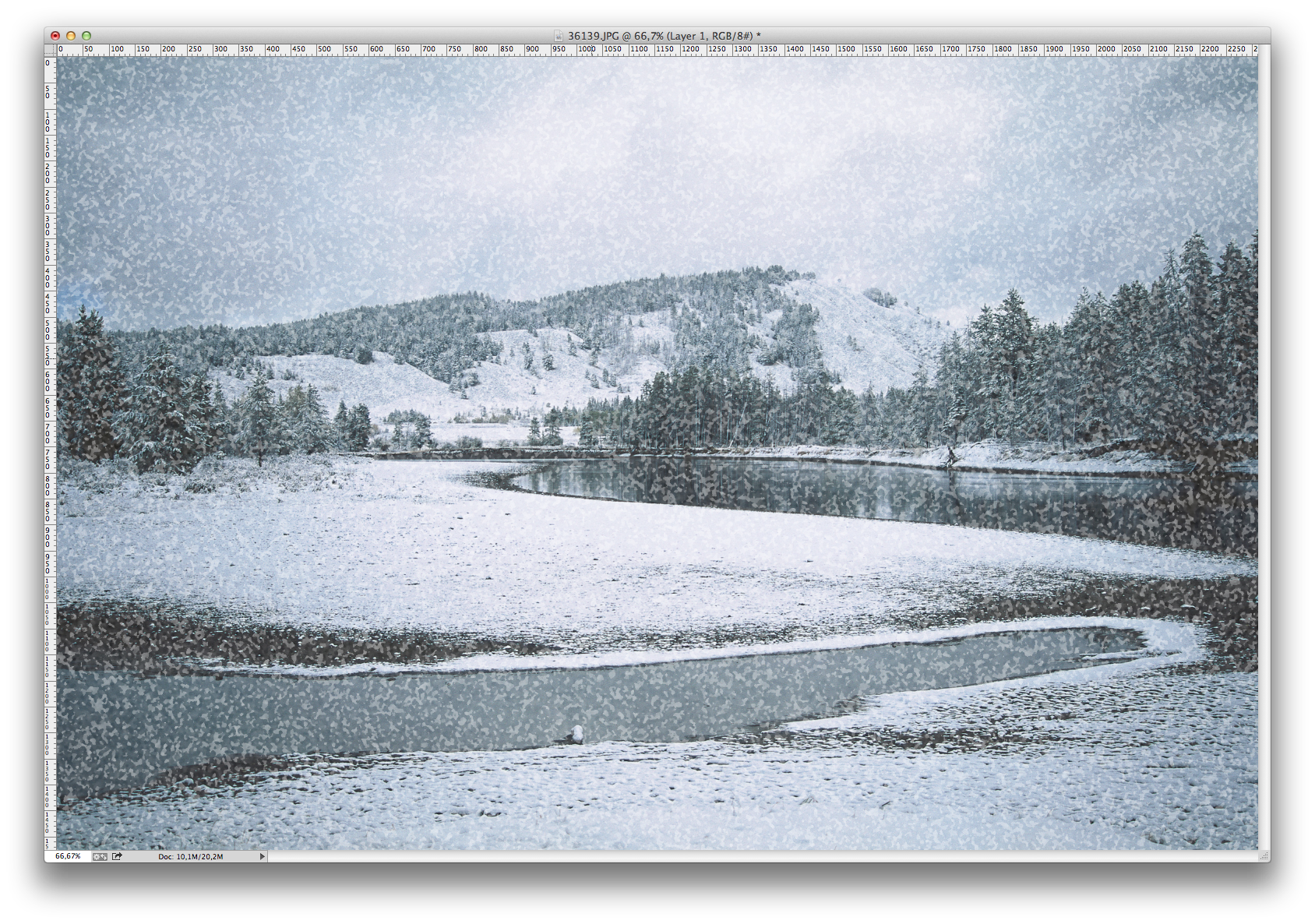
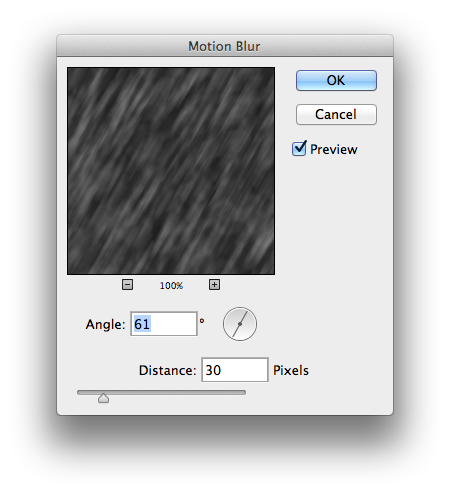
Hey, almost looks like snow! Now go to Filters -> Blur -> Motion Blur and set distance at about 30 pixels (depending on the original size of your image) and angle it downward:ish
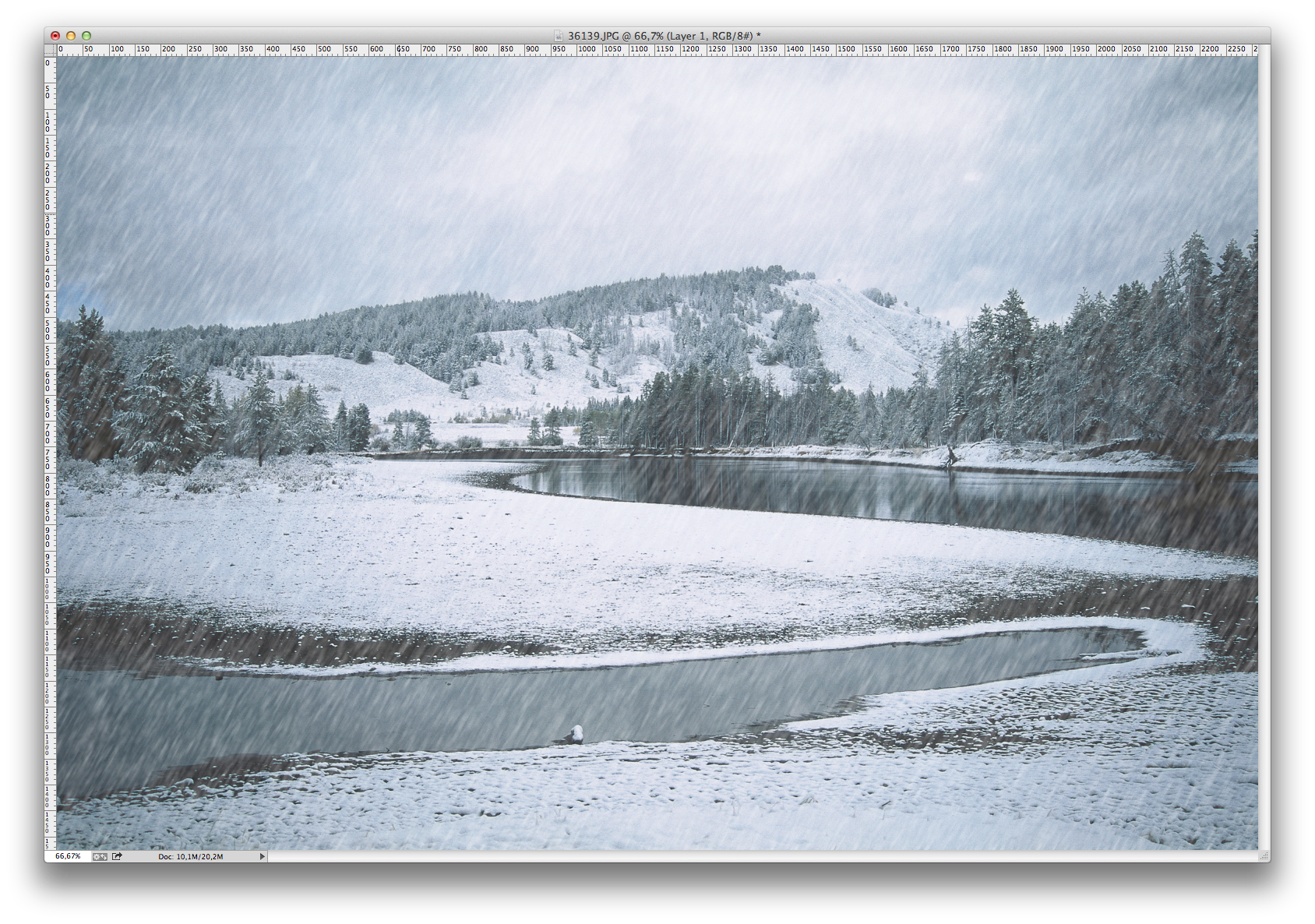

There, now we have snow falling down, but it lacks some "life" you would expect from flakes flowing in the wind. Go to Filters -> Distort -> Wave. This filter is a bit tricky, but make sure you only have one generator, and set both wavelength and amplitude to 1-999. Scale is again up to your original image, but you don't have to max it out, it tends to distort the pixels a bit too much. Also make sure you use Sine and Wrap around.

Done! Or almost anyway. We now have failry realistic snow falling in our scene, and for most cases, it could be done here. But for even more realism, we'll add a new layer, fill it with black, set composition to "screen" and add Noise as with the first layer.
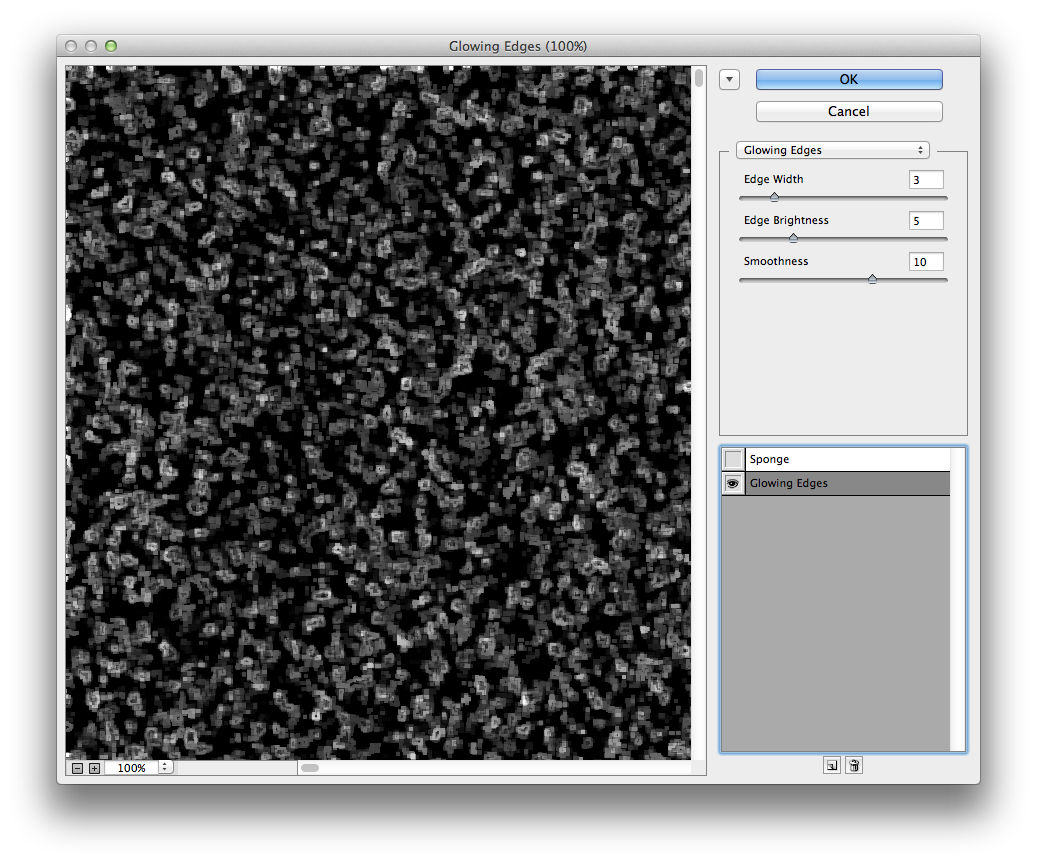
Then use Filters -> Filter Gallery again, and pick Stylize -> Glowing edges instead.
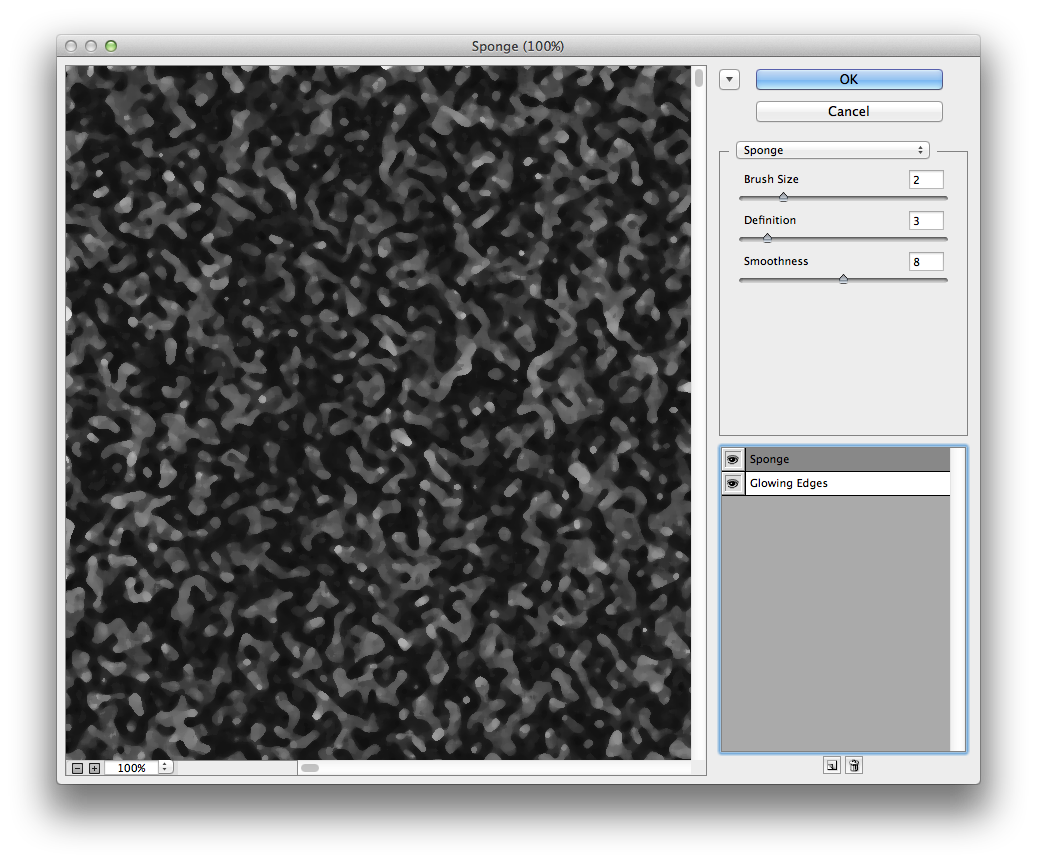
Then, in the Filter Galler, you add another effect, and add the same Sponge-effect from earlier to the glowing edges filter, to soften up the "flakes". Play around with the settings to get some nice big flakes
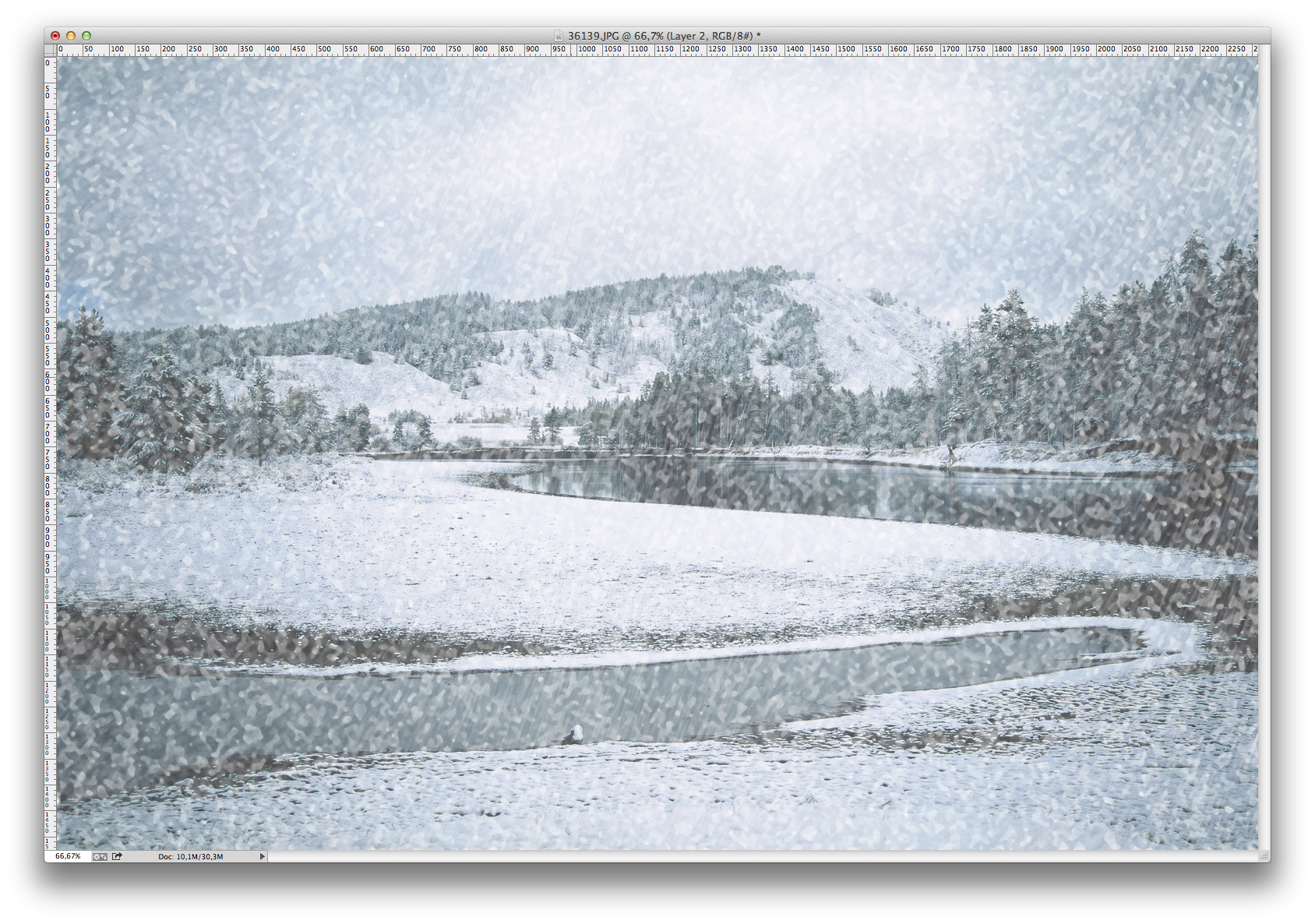
And here's the result! Ok, so it's pretty messy, add Filters -> Blur -> Motion Blur on this layer as well, but change the angle slightly from the other layer
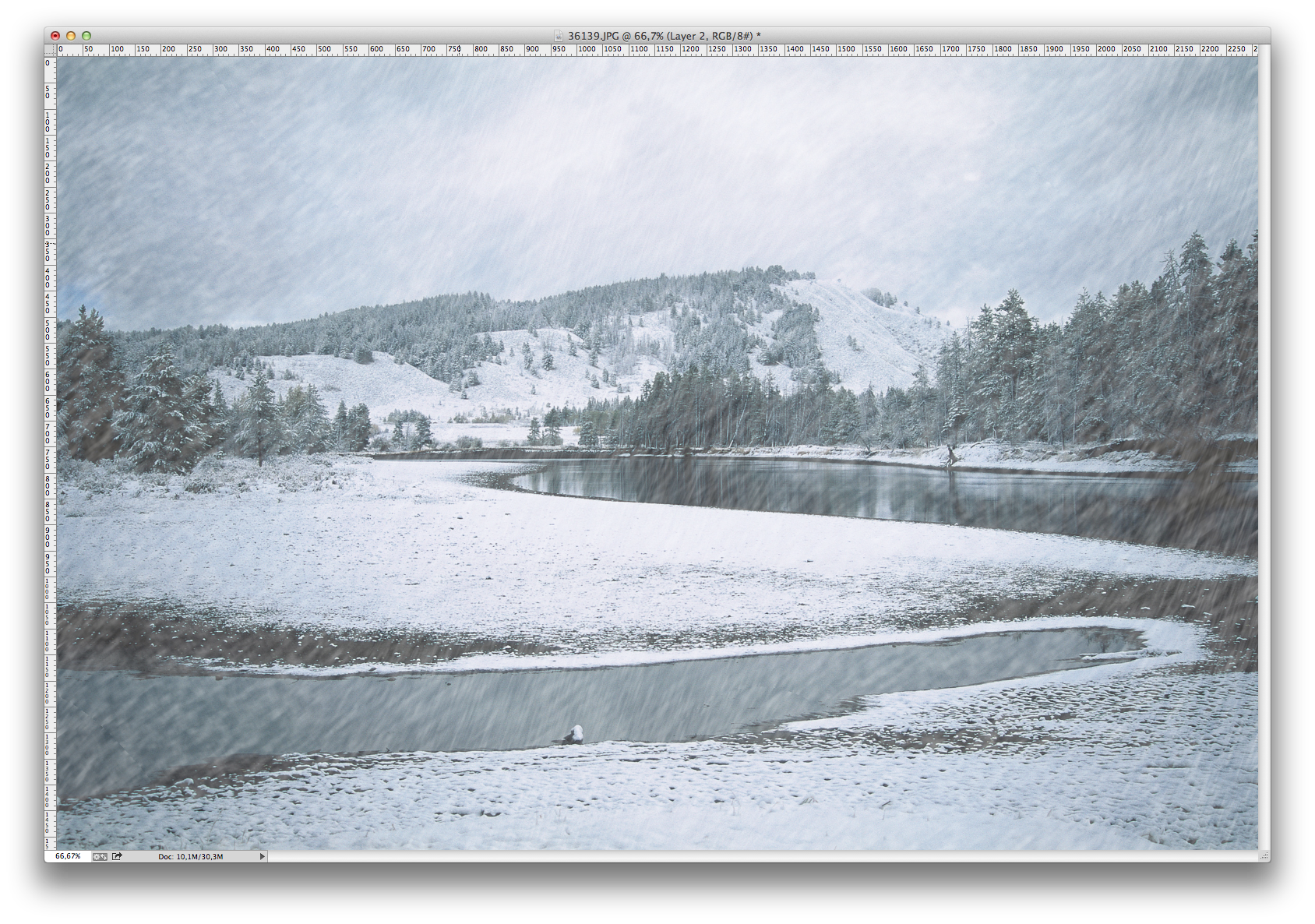
As the very last, create a new layer and add a reflected gradient in line with the horizon on it. This will create the impression that the snow in the air thickens with distance.
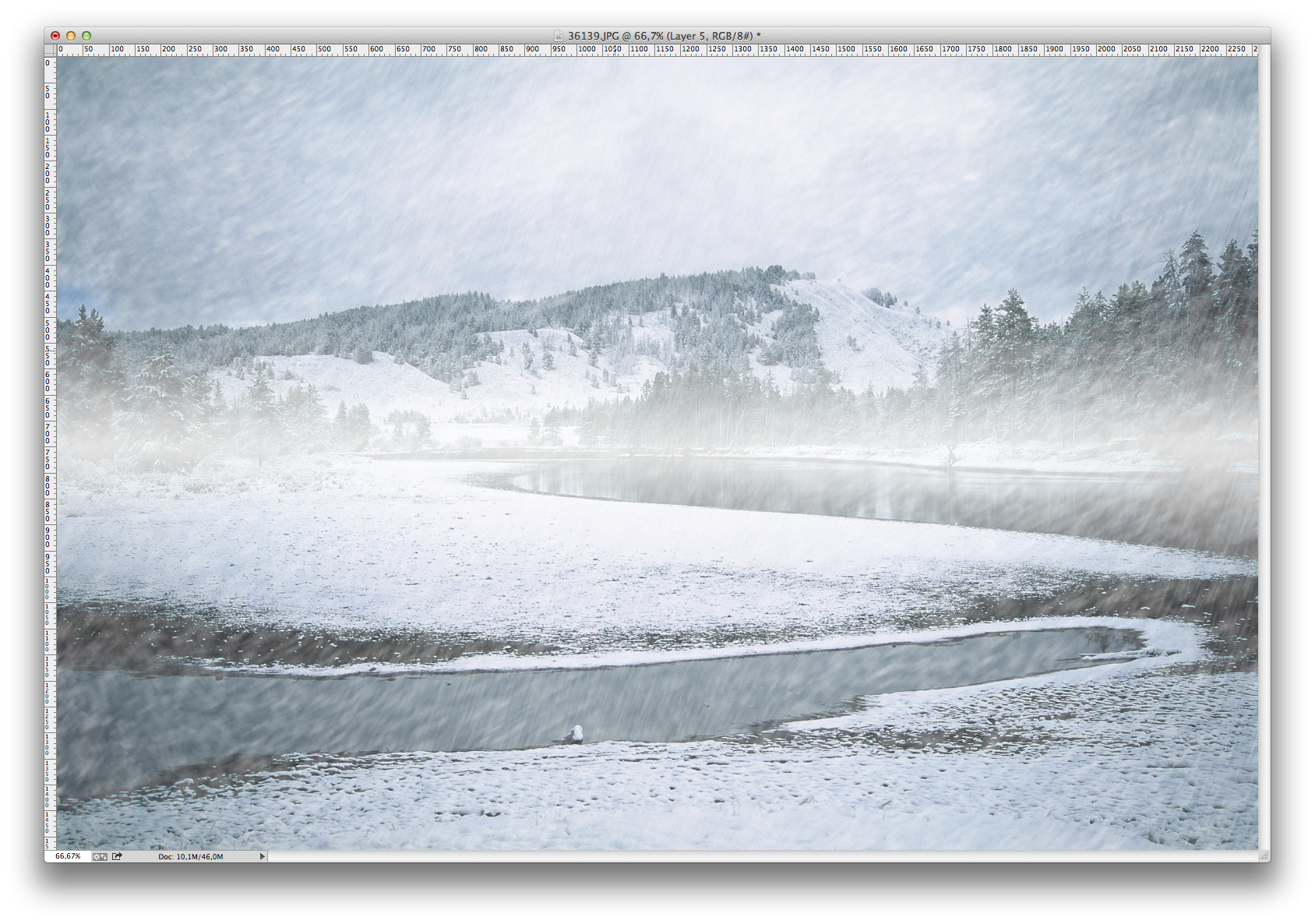
And here is the finished picture! We have two layers of snow that move independently, which adds to the realism. There are tons of filters you can use to play around with the Noise layer so play around some!
Mer i Tutorials